SYSTEMS / AIoT TH
Systems connected to our product range
Choose a workflow, understand each system’s data and current scope, and prepare for integration at your own site.
AIoT TH system portals
Detail pages describe the current operating scope. Customer device and system integrations are confirmed per project.
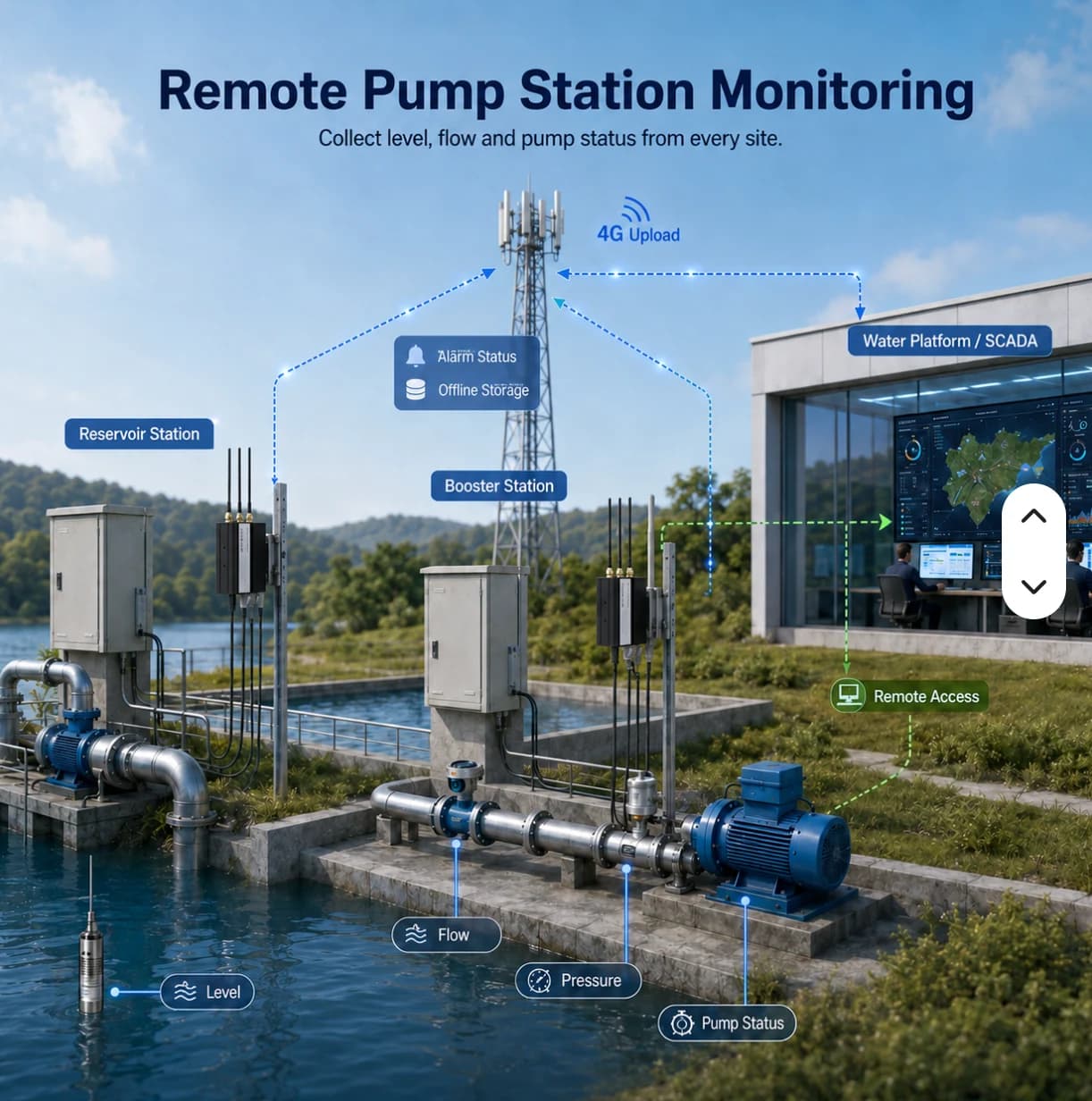
Interface or concept illustration — data and availability depend on the system. Live public observations · Read-only
Flood Monitoring
View rain, water-level and road-water observations on a station map with timestamps and source attribution.
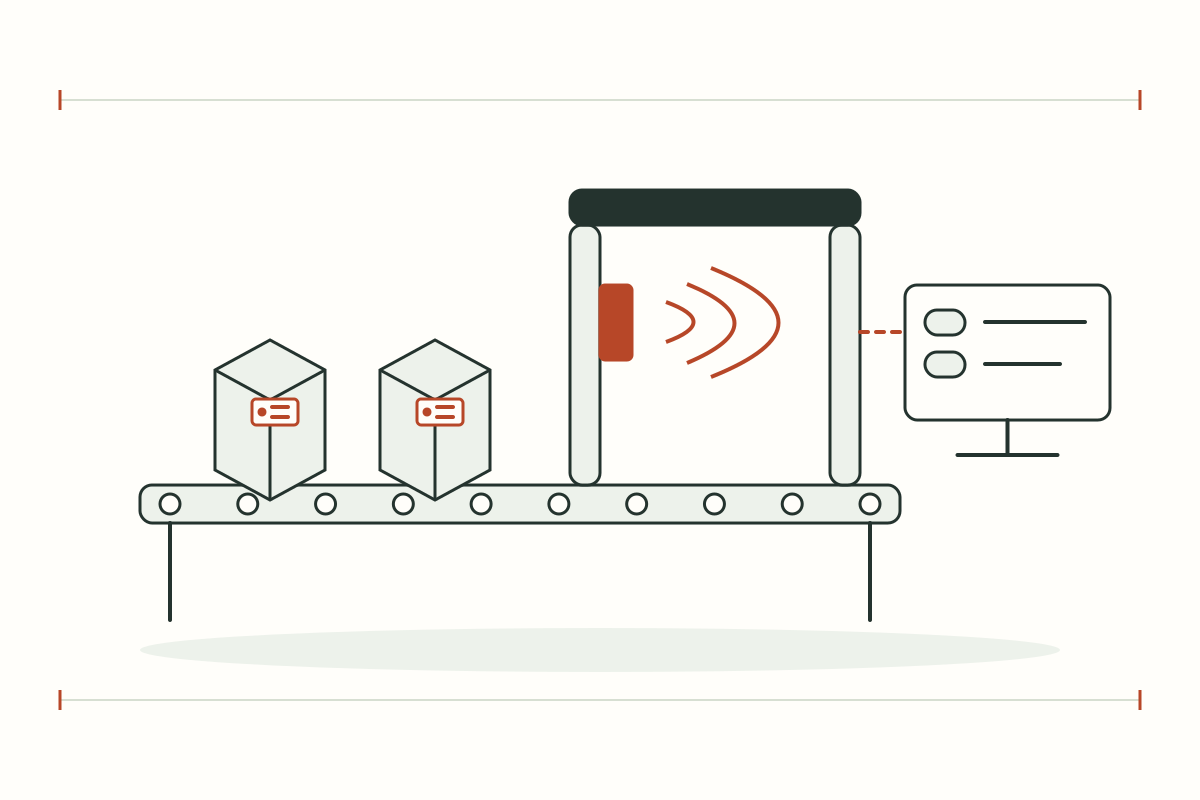
Interface or concept illustration — data and availability depend on the system. Example workspace · Manual events
RFID Operations
Register assets and EPCs, record manual zone events, inspect history and export CSV in a browser-specific example workspace.
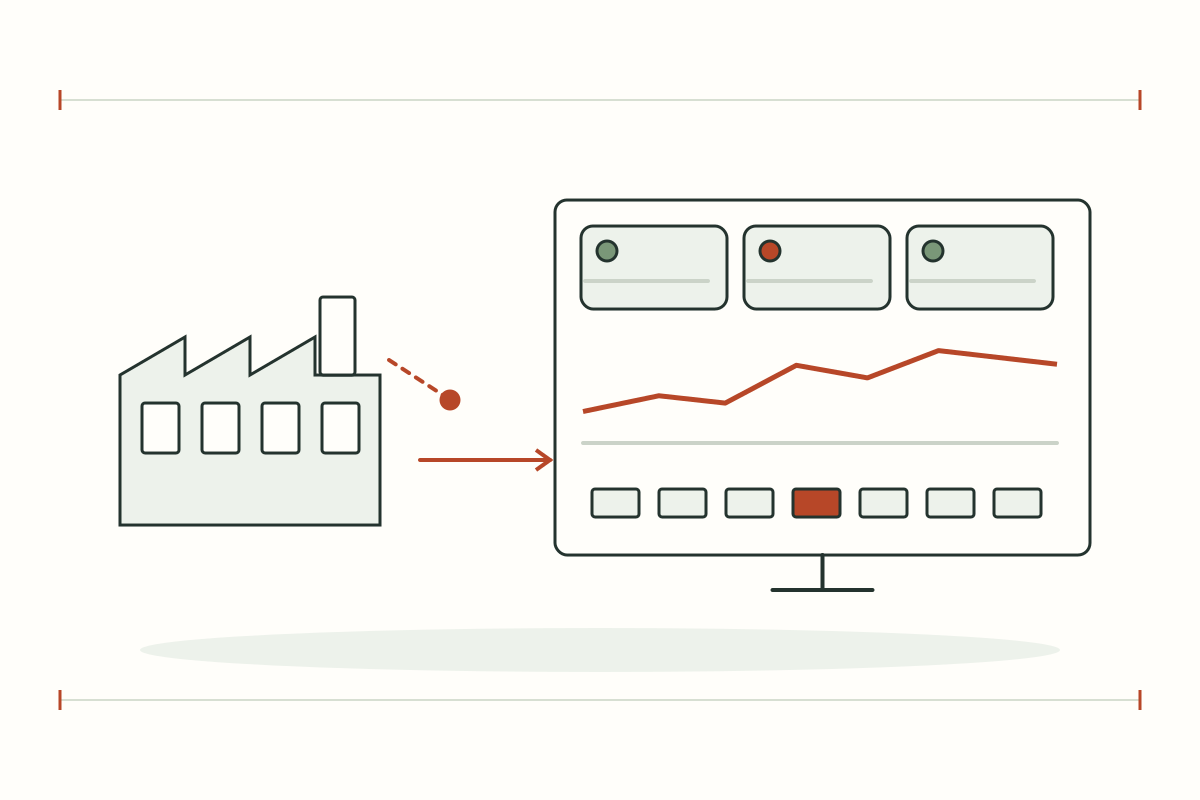
Interface or concept illustration — data and availability depend on the system. Simulated data · No physical PLC commands
Factory Operations
Explore machine states, energy, simulated readings and alarms with a 3D scene and example event history.
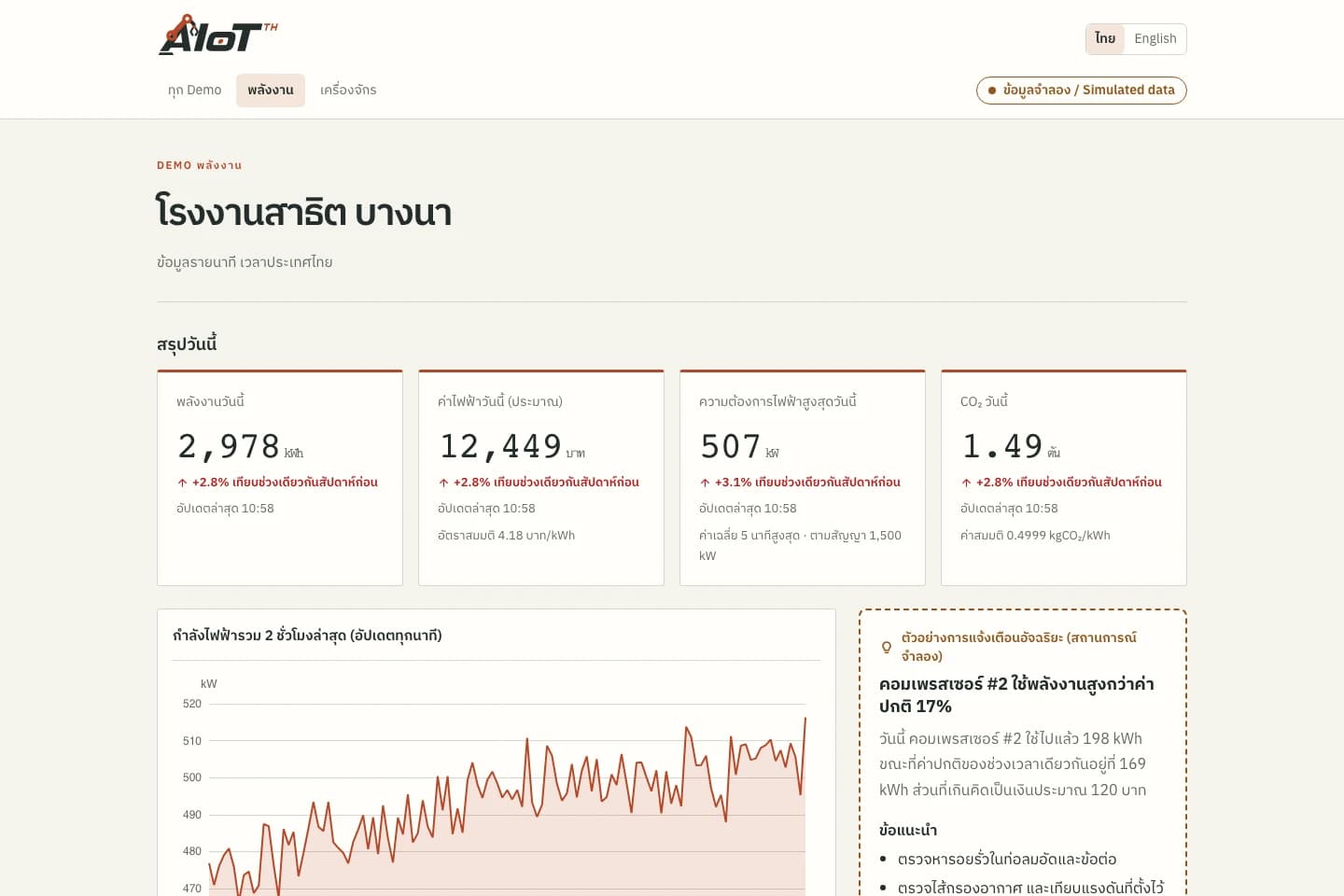
Actual demo screenshot · Simulated data Demonstration with simulated data
Demo Center
Explore energy, machine monitoring and OEE examples with a 3D factory to understand data and workflows before planning a project.
Actual demo screenshot · Simulated data Organization platform · Sign-in required
AIoT TH Cloud
Sign in to manage organization sites, devices, data points and packages. Confirm access rights and feature availability before operational use.
DETAILS & PLANNING
Choose the portal that fits your workflow
Public data, system examples and organization workspaces
Flood presents public station observations with time and provenance. RFID and Factory demonstrate workflows using example data. Demo explains dashboards and OEE, while Cloud is an authenticated organization platform with assigned access.
- Flood: inspect actual public water and rain observations
- RFID / Factory / Demo: explore workflows with example data
- Cloud: access assigned organization accounts and roles
Connect product choices to the appropriate system
Use product details to assess interfaces and devices, then open a related system to understand its data and workflow. Contact the team to define devices, integration and acceptance. Opening an example does not connect your own physical equipment.
- Sensor / LoRa: explore Flood and Remote Monitoring
- RFID / Barcode: inspect registry and events in RFID Operations
- PLC / SCADA / OEE: explore Factory, Demo and Cloud details
Questions about this topic
Does opening a portal connect my machines?
Opening a portal does not connect your equipment. Device protocols, access and readings must be assessed and integrated within a project.
Where can I check each system’s data and availability?
Read each system’s detail page and its operational labels, including update times, simulation notices and sign-in requirements.