Example workspace · Manual events
RFID Asset Registry & Tracking
Register assets and EPCs, record manual zone events, inspect history and export CSV in a browser-specific example workspace.
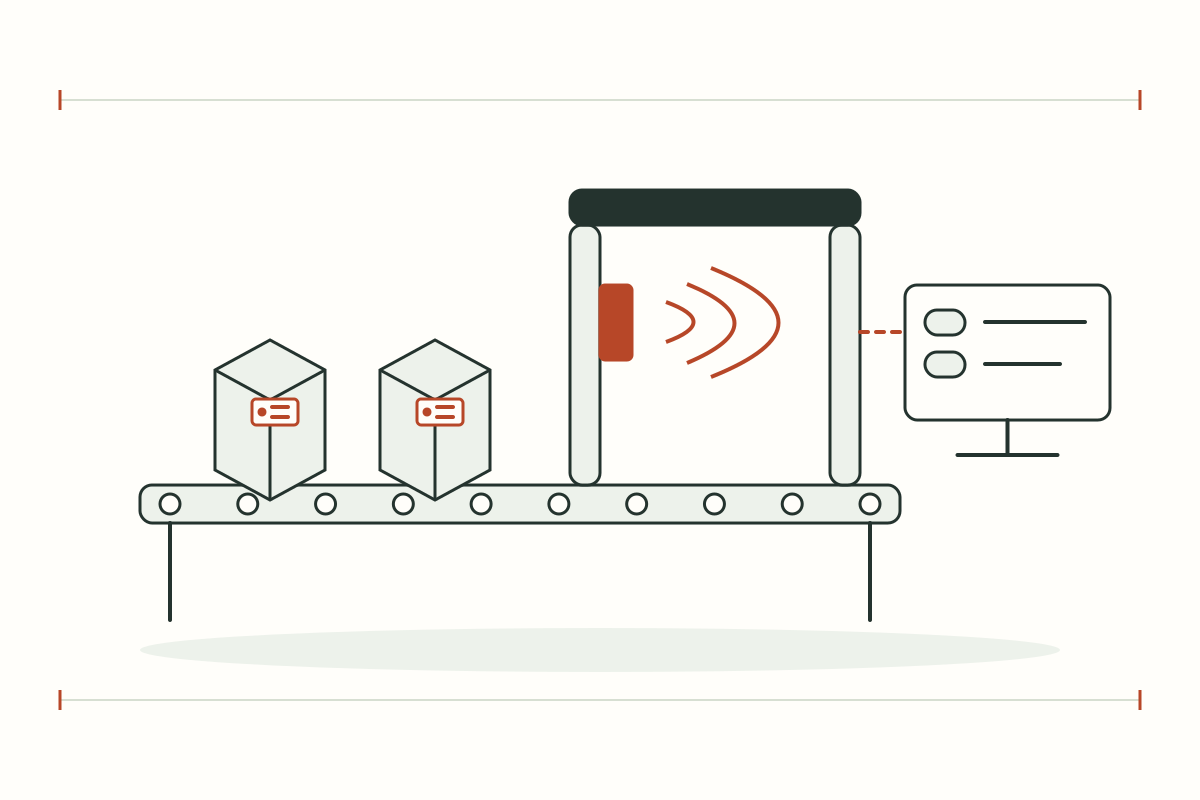
Operational workflows
- Register assets with unique EPC identifiers
- Record zone moves and review event history
- Inspect a 3D scene and export registry data
DETAILS & PLANNING
Before opening RFID Operations
Scope and data sources
The example stores each visitor’s registry in a separate workspace. Zone moves are manual entries and 3D reader controls are browser simulations. It is not receiving physical RFID reader events or accessing a customer organization’s assets.
- Register assets with unique EPC identifiers
- Record zone moves and review event history
- Inspect a 3D scene and export registry data
Prepare for use at your own site
Check that your operational question matches the purpose of this system, then collect the relevant devices, data and access requirements. Examples demonstrate workflows; actual site adoption requires agreed integration and acceptance against reference data.
- Sample asset names, EPC identifiers and proposed read zones
- Tag materials, mounting positions and reader interfaces
- Use example records rather than confidential organization data
Questions about this topic
Does it use real or simulated data?
The example stores each visitor’s registry in a separate workspace. Zone moves are manual entries and 3D reader controls are browser simulations. It is not receiving physical RFID reader events or accessing a customer organization’s assets.
How can this be applied to my factory?
Share your existing equipment and requirements through the contact page. Devices, integration and acceptance are assessed for your site.