Devices & Integration / Barcode Scanner
Barcode & QR Scanning
Capture item, lot and serial numbers at receiving, production and dispatch with a scanner workflow connected to your records.
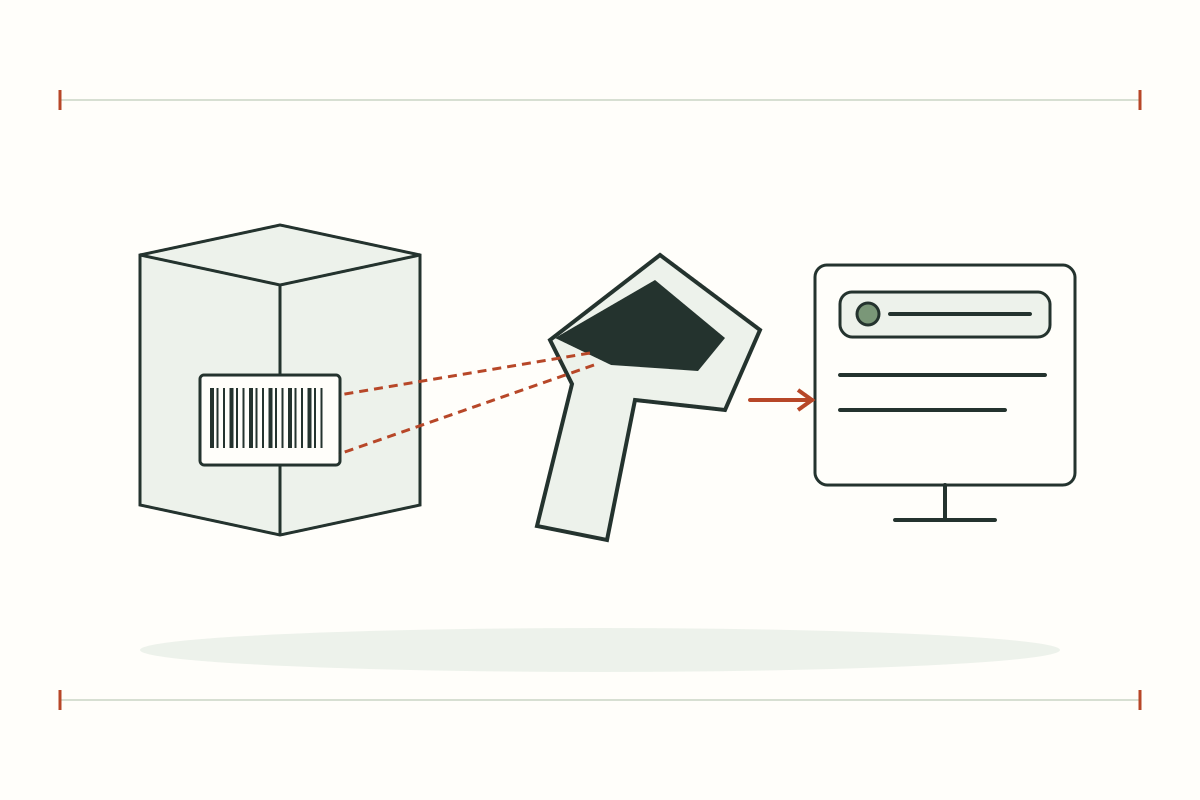
Barcode Scanner
Details and scope
Capture item, lot and serial numbers at receiving, production and dispatch with a scanner workflow connected to your records.
- Applications
- Receiving and dispatch verification · Lot and serial traceability · Production counts and quality checkpoints
- Project inputs
- 1D / 2D codes, label samples and reading distance · Handheld or fixed scanner and USB / serial / network interface · Master data, validation rules and retry handling
- Delivery scope
- Supported codes and interfaces depend on the selected scanner. Test damaged labels, duplicate scans and disconnected operation against the agreed workflow.
- Project format
- Devices with setup or a scoped integration project
- Acceptance
- Validate against actual equipment and customer reference data
Operational uses
Capture item, lot and serial numbers at receiving, production and dispatch with a scanner workflow connected to your records.
- Receiving and dispatch verification
- Lot and serial traceability
- Production counts and quality checkpoints
Before system design
Select devices and integration around the actual site.
- 1D / 2D codes, label samples and reading distance
- Handheld or fixed scanner and USB / serial / network interface
- Master data, validation rules and retry handling
Scope and acceptance
Supported codes and interfaces depend on the selected scanner. Test damaged labels, duplicate scans and disconnected operation against the agreed workflow.
- Validate readings and events against actual devices
- Specify devices, software licences, integration and training in the quotation
DETAILS & PLANNING
Plan your Barcode Scanner project
From site inputs to daily use
Supported codes and interfaces depend on the selected scanner. Test damaged labels, duplicate scans and disconnected operation against the agreed workflow.
- 1D / 2D codes, label samples and reading distance
- Handheld or fixed scanner and USB / serial / network interface
- Master data, validation rules and retry handling
Validate before rollout
Compare actual device data with displayed values and source events. Test disconnection, recovery, user permissions and handover documentation against jointly agreed operational scenarios.
- Correct readings and events
- Defined handling of missing data
- Operator acceptance of the workflow
Systems related to this page
Review each system’s scope before opening it or using the example to plan your project.
Example workspace · Manual events
RFID Operations
Register assets and EPCs, record manual zone events, inspect history and export CSV in a browser-specific example workspace.
Simulated data · No physical PLC commands
Factory Operations
Explore machine states, energy, simulated readings and alarms with a 3D scene and example event history.
Questions about this topic
Is this included in every cloud package?
Devices, licences, development and integration are assessed separately from cloud subscriptions. Confirm scope in the quotation.
Can we start with a pilot?
Start with selected read zones or a production line, and validate against actual equipment before adding devices and sites.
Choose hardware and software that work together
Start with your equipment and data points, then define the right site scope.